ERP Vs Billing Software: What Does Your Business Need?
Billing software focuses on creating and managing sales documents. ERP connects billing with wider workflows such as purchasing, stock, accounting, production and projects. Choose by the work you need to control.
When Billing Is The Main Need
Start by listing the documents your team creates each day. If the main need is a clear invoice, a receipt and a customer balance, a focused billing workflow may be enough. Test the invoice layout, tax settings, returns and payment recording before comparing long feature lists.
When Connected Records Matter
An ERP becomes useful when several teams repeat the same information or disagree about balances. A sales invoice may need to affect warehouse stock and accounting; purchasing may need supplier balances and receiving records. Connected records reduce the number of separate handovers to review.
Compare A Full Transaction
Use the same small example in each product you evaluate: create a product, receive a purchase, make a sale, record payment and inspect the reports. This reveals practical fit more clearly than counting menu items. Check how an incorrect record is corrected and who may approve changes.
Look At Total Effort
Subscription price is only one consideration. Include setup time, data cleaning, training, imports and any custom work. Choose the smallest workflow that handles the real operation accurately, and confirm how the system can grow with the business.
A Practical Workflow
- List the records that are repeated across your current tools.
- Choose one representative purchase-to-payment and sale-to-collection example.
- Test the documents, stock effects and reports.
- Compare setup effort, support and annual cost.
A shop that needs invoices and customer receipts may start with billing. A wholesaler with warehouse stock, supplier credit and customer dues should also test the connected purchase, inventory and accounting workflow. Neither choice is determined by business size alone.
What To Check Before You Start
Use a trial workspace to test your own records and review the results with the person responsible for your accounts. This guide explains operational choices; statutory requirements depend on your business and should be checked with your adviser.
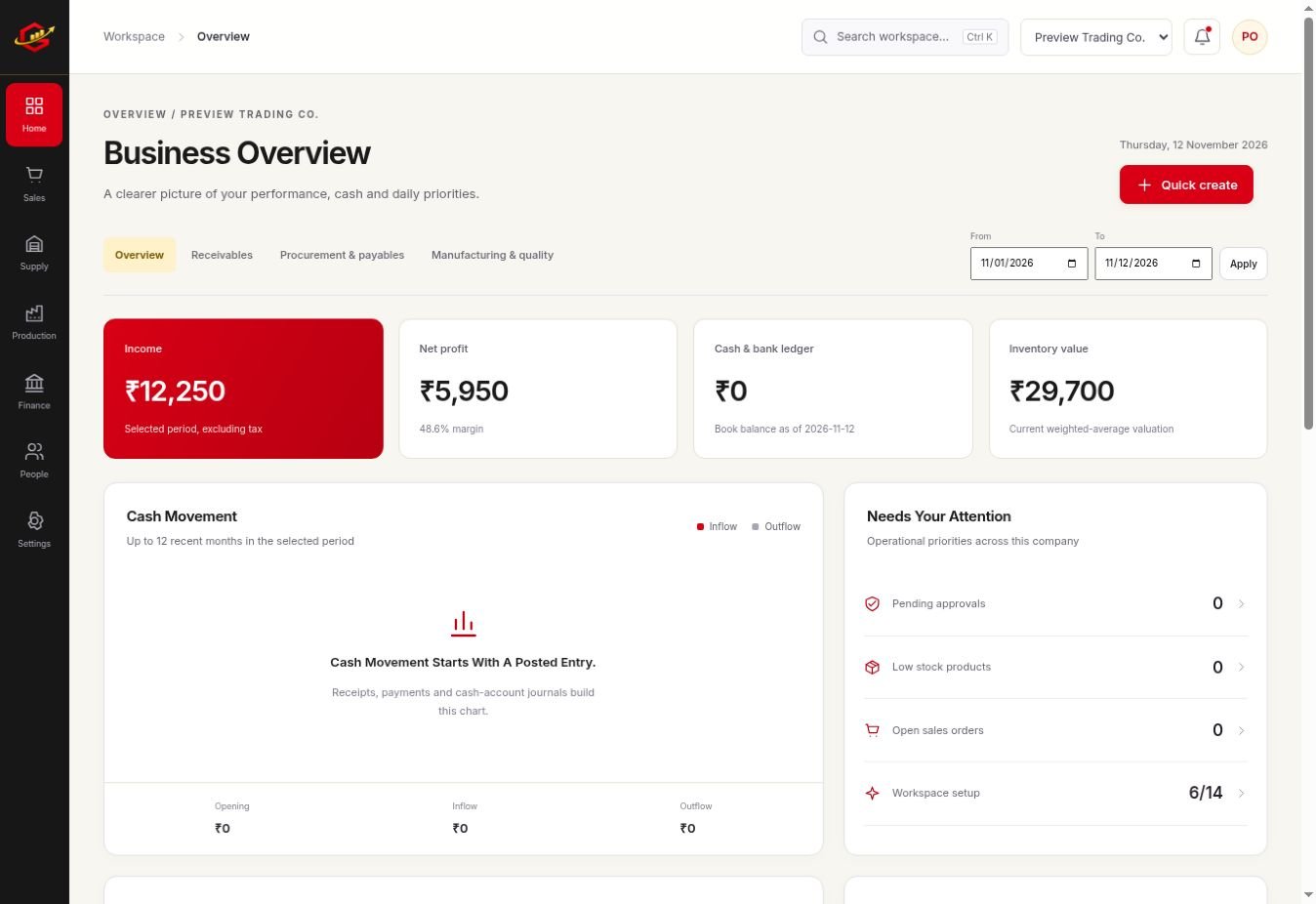
Explore the workspace previews, review the current plans and activation terms, or contact Grocom support to discuss a requirement. The product FAQs explain imports, access and current integration limits.
Your Questions, Answered
Is ERP Only For Large Companies?
No. A small business may need connected records when purchasing, stock, sales and accounts depend on each other.
Does More Software Always Mean Better Control?
No. Clear setup, accurate records and a workflow the team actually follows matter more than unused features.
Can I Hide Unused Grocom Modules?
Yes. Owners can control module and submodule visibility in Settings.