
ERP For Distributors
Coordinate supplier purchases, customer orders, warehouse transfers, dispatch records and customer balances in Grocom ERP.
Start One Month Free Trial Explore Workspace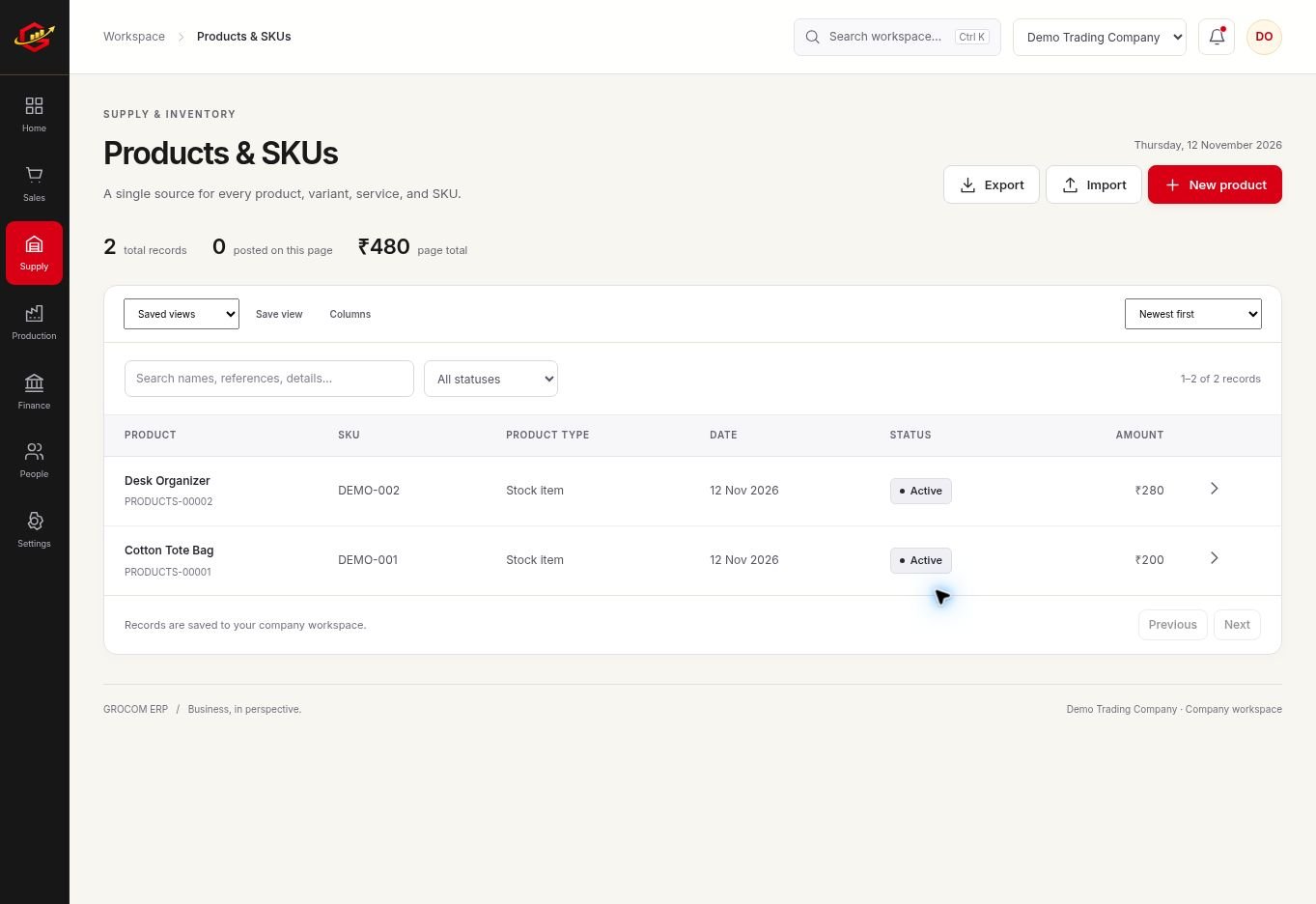
Review The Order Before Promising Stock
Distribution depends on matching customer demand to the right warehouse and delivery timing. Review order quantities, available stock and expected supplier deliveries together before committing to a dispatch.
Make Location Changes Traceable
A warehouse transfer changes where stock is held. Keep the source, destination and product quantities clear so both locations can review the same movement. Do not treat a transfer as an external sale.
Keep Dispatch And Collections Connected
Shipment records help organise dispatch information, while invoices and payment records explain the financial side. Review each part of the workflow so a dispatched order is not mistaken for a collected invoice.
A Practical Workflow
- Create warehouses, suppliers, customers and products.
- Review customer orders and purchasing requirements.
- Record transfers and dispatch activity with consistent references.
- Check invoices, receipts and outstanding customer balances.
A branch needing 30 units may be supplied from an existing warehouse rather than a new supplier order. Check the 30-unit transfer at both locations and keep the customer sale as a separate event.
What To Check Before You Start
Dispatch records are maintained in the workspace. Automatic courier status updates, route optimisation and live external distribution integrations are not connected in this release.
Explore the workspace previews, review the current plans and activation terms, or contact Grocom support to discuss a requirement. The product FAQs explain imports, access and current integration limits.
Your Questions, Answered
Can I Move Stock Between Warehouses?
Yes. Use warehouse transfer records to document movement between locations.
Does It Automatically Track Couriers?
No. Automatic courier updates are not connected in this release.
Can I Track Customer Orders And Dues?
Sales order, invoice, receipt and customer statement tools support those records in the same workspace.