Accounting Software For Small Businesses
Keep accounts, journals, expenses, receipts, payments and bank reconciliation records together with sales and purchasing activity in Grocom ERP.
Start One Month Free Trial Explore Workspace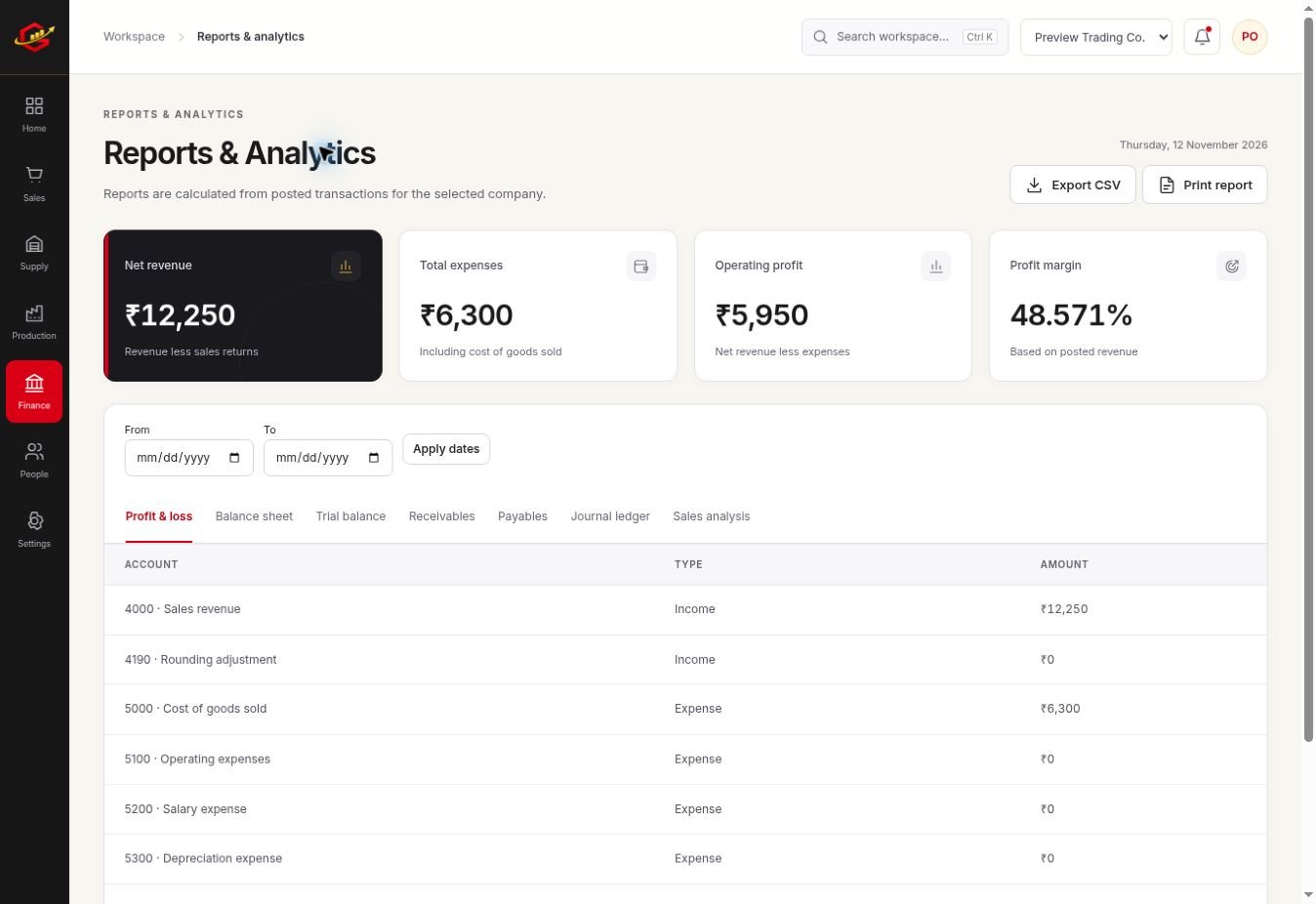
Connect Operations With The Books
Purchasing and sales documents should agree with their financial effect. Review posted records and the accounts behind them. This helps you trace a balance to a business event rather than editing a report total without checking its source.
Review Money In And Money Out
Record expenses, customer receipts and supplier payments separately. Customer and vendor statements help explain outstanding amounts, while financial reports provide a broader view of the business.
Reconcile With Evidence
Compare recorded bank transactions with the actual statement. Timing differences, missed fees and duplicate entries need investigation. A reconciliation is useful because it explains differences, not because two totals have been forced to match.
A Practical Workflow
- Review the chart of accounts and opening balances.
- Record purchases, sales, expenses and payments.
- Check journals and supporting documents for unusual balances.
- Reconcile bank records and review financial reports with your accountant.
Paying ₹12,000 to a supplier settles money owed; it does not automatically represent a new ₹12,000 purchase. Record the supplier bill and its payment as distinct steps so expenses, stock and dues are not counted twice.
What To Check Before You Start
Bank reconciliation is based on entered or imported records. Live automatic bank feeds and government tax filing are not connected. Accounting output depends on correct setup, complete entries and professional review where needed.
Explore the workspace previews, review the current plans and activation terms, or contact Grocom support to discuss a requirement. The product FAQs explain imports, access and current integration limits.
Your Questions, Answered
Does It Include Bank Reconciliation?
Grocom supports manual bank reconciliation using recorded bank transactions. Automatic bank feeds are not connected.
Can I Record Journals?
Yes. The accounts and journals tools support recording and reviewing balanced accounting entries.
Can My Accountant Review Reports?
Use appropriate workspace permissions and available exports to support a review. Confirm the records and reports your accountant needs during the trial.