
Project And Timesheet Software
Organise customer projects, tasks, timesheets, expenses and billing in Grocom, keeping service delivery connected to customer records.
Start One Month Free Trial Explore Workspace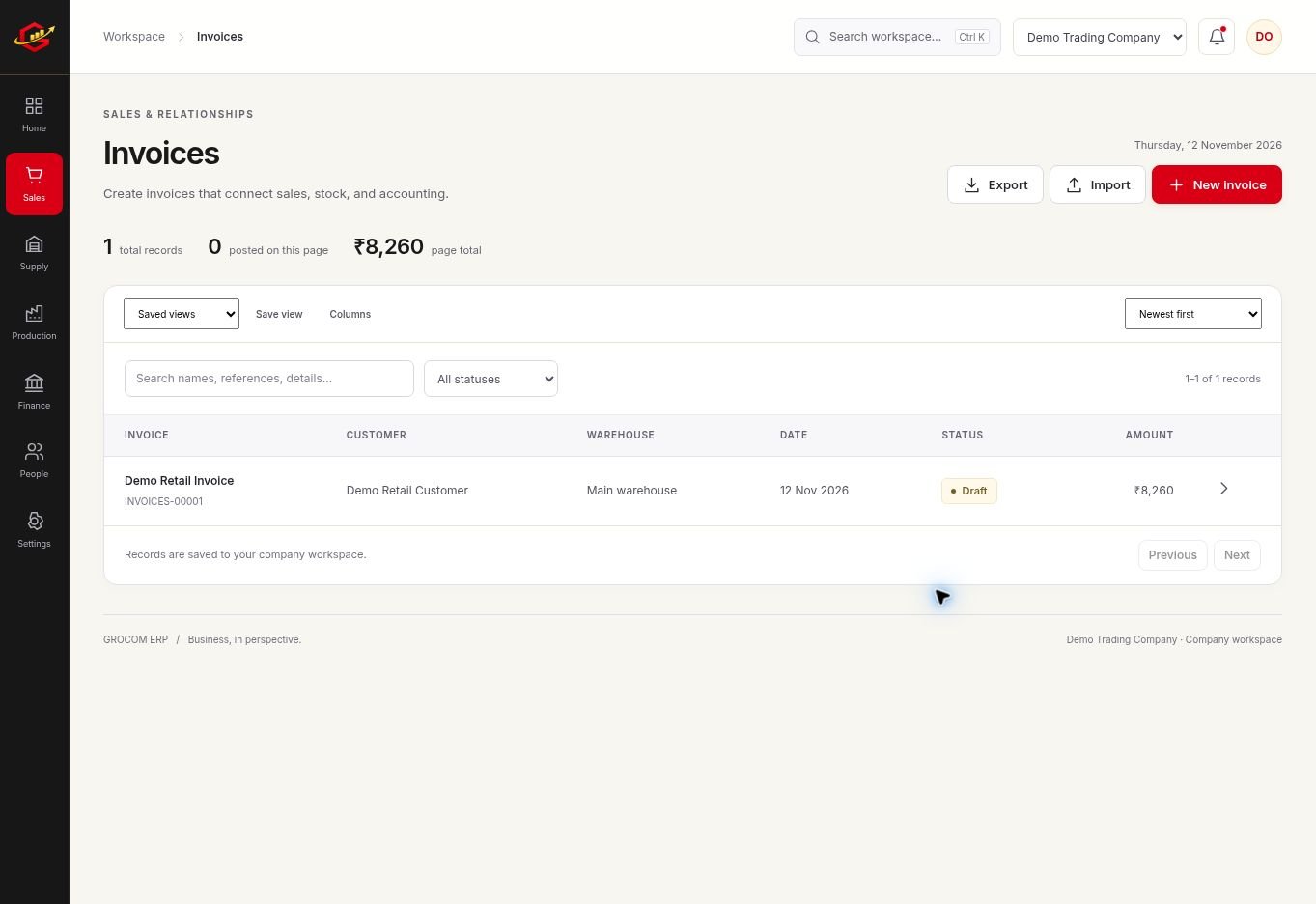
Give Work A Clear Structure
Create a project for the customer engagement and use tasks to describe the work that needs completion. Review stages and responsibilities so the owner can see what is waiting, active or ready to close.
Record Time Before Billing
Timesheets capture work hours. Review recorded time and the agreed commercial terms before billing approved time. A project budget, a timesheet and an invoice answer different questions and should not be treated as interchangeable.
Review The Commercial Picture
Project expenses and customer payments affect the final business outcome. Keep the supporting records with the project activity and review the amount invoiced and collected before judging the engagement.
A Practical Workflow
- Set up the customer project and budget.
- Create tasks and record delivery progress.
- Record timesheets and review approved billable time.
- Prepare billing and review expenses and customer receipts.
At an agreed ₹800 hourly rate, 12 approved billable hours produce ₹9,600 before taxes or other adjustments. Compare those hours with the customer agreement and exclude non-billable time before invoicing.
What To Check Before You Start
Grocom records timesheets and project work entered by the team. It does not automatically observe employee screens, track device activity or integrate external project tools in this release.
Explore the workspace previews, review the current plans and activation terms, or contact Grocom support to discuss a requirement. The product FAQs explain imports, access and current integration limits.
Your Questions, Answered
Can I Record Billable Hours?
Use timesheets to record work hours and bill approved time after reviewing the customer agreement.
Can I Track Project Tasks?
Yes. Project and task records help organise work and review progress.
Does It Track Staff Screens Automatically?
No. This release uses recorded project and time entries rather than automatic screen monitoring.